
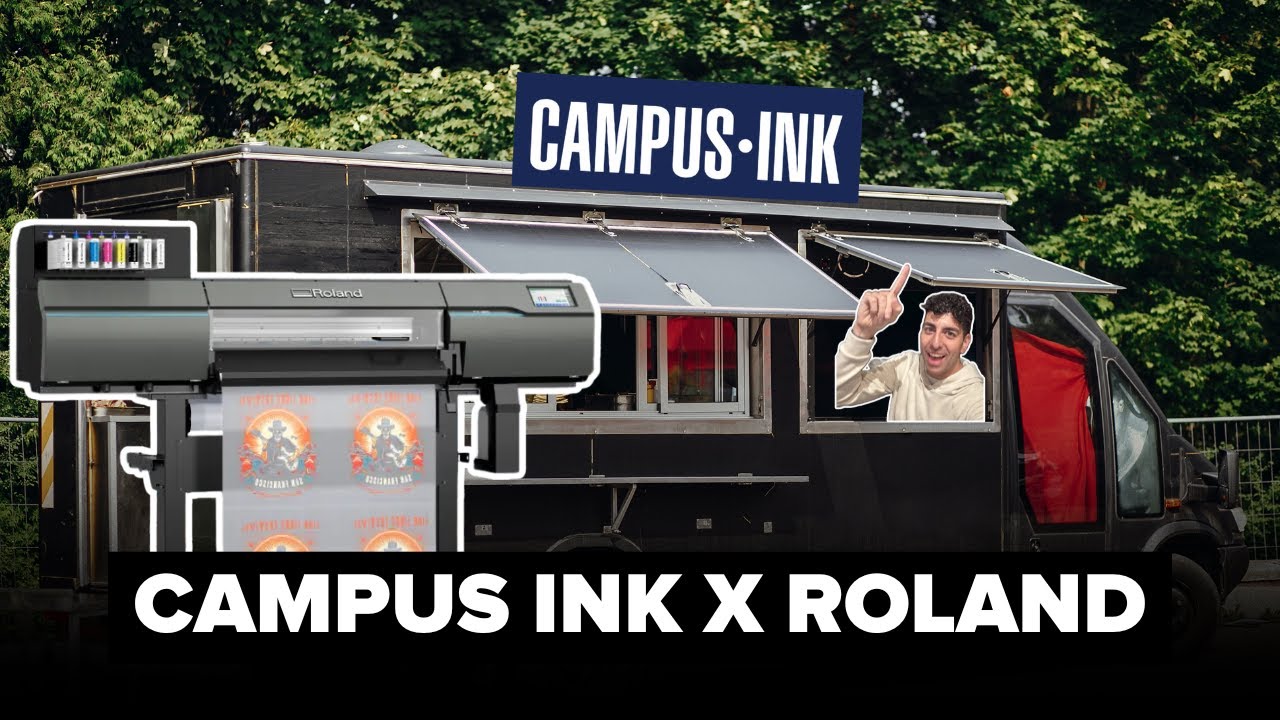
Mobile and event printing with DTF sounds ideal. Show up, print transfers, press shirts, and sell merchandise. But there are several operational risks beyond printer performance, such as customer approvals, last-minute order changes, equipment damage in transit, and other factors that can lead to misprints or reprints when you’re on a tight deadline. That’s why customer approval workflow software matters so much for live merch.
Printavo is the end-to-end shop management software built for growing apparel decorators, including screen printing, embroidery, DTG, and DTF shops.
In this Print Hustlers episode, Steven talks through the plan to put a DTF setup into a trailer and produce hot market prints on the road. Daniel Valade, Senior Product Manager at Roland DGA, joins the show to share what makes any DTF setup more reliable, including a stable environment, repeatable maintenance, and fewer chances for humans to accidentally break the process.
Why Mobile DTF Succeeds or Fails
If you’re printing at events or moving equipment between venues, factors such as vibration during transport, overnight temperature swings, and humidity changes affect ink flow and output.
Daniel calls out the reality of putting a “high precision device” into a trailer. Calibration and vibration become real challenges, even with air-ride strategies.
He also shares that for DTF reliability, the environment is a major factor. Daniel says a practical humidity target is above 60% and below ~75%.
Main Takeaway: Treat event printing like a controlled production cell, not a pop-up hobby. Your process needs buffers for the things that always happen on-site: last-minute design changes, rushed approvals, and staff rotating in/out.
Customer Approval Workflow Software Creates a Safety Net
Steven describes the vision: artists designing from the arena press box, reacting to real-time moments, and getting prints on press immediately after the game ends.
That system also means approvals must be easy to understand so your team can move quickly.
A strong customer approval workflow software process for event printing should:
- Confirm specs at approval: Such as file version, garment color, image placement, size range, quantity cap, and pricing tier
- Record who approved: Have a point-of-contact from the customer and a timestamped approval
- Trigger the next steps automatically: Automate key features like your production task list, press queue order, and pickup/delivery instructions.
Why it matters: Minor mistakes become more expensive, and if your team is pressing the wrong version or the wrong placement, you lose margin and momentum.
Maintain Scheduling Discipline
Mobile printing essentially creates a mini factory with hard constraints: electrical requirements, space, heat-press throughput, and staff pacing.
Steven even notes the need to plan power for multiple presses and DTF equipment, as well as auxiliary equipment such as generators and inverters.
Make sure you schedule around:
- Capacity per hour: Generally transfers printed + cured + pressed
- The bottleneck step: Usually curing, heat press staging, or approvals
- Batching rules (group similar garments/designs to reduce changeovers)
Main takeaway: if approvals aren’t locked, the job doesn’t move to the next phase. That rule prevents a spiral of mistakes that turn into fixing messes later.
Reliability = Maintenance + Consistency
Daniel stresses the reality of this print approach: DTF uses a lot of ink, almost always with a white underlayer, which makes maintenance and environmental sustainability essential.
He also emphasizes that printers should be printing instead of turning operators into technicians. Automation can reduce common failure points and standardize crucial tasks, such as cleaning and circulation.
Operations takeaway:
- Build a daily start/stop checklist
- Standardize materials and kits for categories of events
- Track issues by root cause (e.g., environment, media, maintenance, artwork) to improve gradually.
Air Quality and Filtration are Crucial
Event printing makes ventilation and air quality extra important since you’re working in a smaller space. Plus, print methods like DTF emit fumes while curing, so it’s vital to keep everyone safe.
Here’s a basic checklist for event environments (NOTE: always check with the manufacturer and a qualified tech if you need further guidance):
- Ventilation plan (even if it’s temporary ducting)
- Heat management (HVAC, air movement, operator comfort)
- Clear safety zones (hot surfaces, powder handling, foot traffic)
The more frequently you hold live printing events, the more your mobile station needs to balance professionalism and workplace safety.
Real-World Workflow Application
Here’s an outline for mobile printing basics:
- Quoting
Create event pricing tiers (standard/rush /ultra-rush) with clear capacity limits tied to your press schedule. - Approvals
Use customer approval workflow software to confirm art, placement, garment color and size, and quantity caps. Ensure approvals are timestamped to prevent unapproved changes from entering production. - Job tracking
Every job needs a clear path visible to the whole team: Quote sent → Awaiting approval → Approved/Locked → In production → Pressing → QC → Ready / Delivered. - Production scheduling
Schedule by constraint (curing capacity, press throughput, staffing) and build batch rules (by garment type + design family). - Work orders
Work orders include: final mockup, placement notes, press settings, special handling, and a “do not print if not approved” flag. - Team handoffs
Design → approval → print → cure → press → QC handoffs happen in the job record, not in side texts. - Invoice follow-up
For events, define payment rules upfront (deposit vs. pay at pickup) and automate reminders for unpaid holds. - Reporting and profitability
Track margin by event type, reprint rate, and approval-change frequency. Those are the criteria that decide whether event printing is a profit center for your business.
Where Printavo Fits
Printavo helps shops centralize the operational side of mobile/event production, especially approvals, job tracking, scheduling visibility, and consistent handoffs.
If you also need online stores and web-to-print ordering, InkSoft is designed for e-commerce and online product customization. Printavo is built to manage what happens after the sale: production, scheduling, and shop workflow.
Rethink Your Workflow
Want a better way to manage production, scheduling, and approvals? Sign Up for a Free Printavo Demo.

0 Comments