
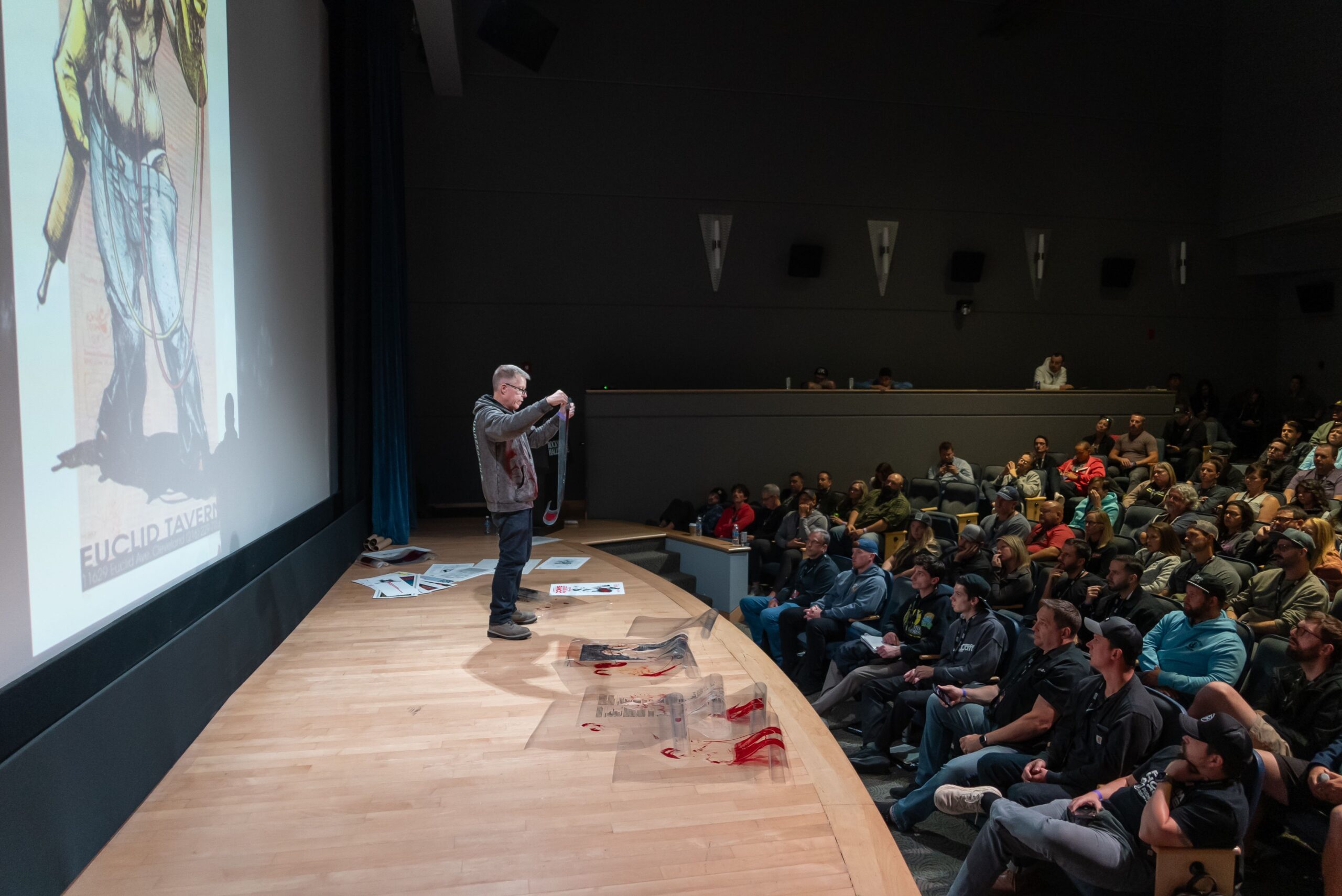
They demonstrate real-world examples of how automation, better data, and stronger leadership habits can reduce mistakes, speed up handoffs, and keep customers in the loop without having your team sift through emails and post-its.
Printavo is the end-to-end shop management software built for growing apparel decorators, including screen printing, embroidery, DTG, and DTF shops.
One of the big takeaways: automation isn’t about replacing people. It’s about eliminating repetitive work that steals time and causes missed details across approvals, order updates, scheduling changes, customer payments, package labeling, and more.
Read on for more insights shared in the episode.
How to Remove Friction
Many of the best shop improvements start as small, practical fixes, then compound. Using simple AI-assisted tools for common shop problems like labeling, uploading files, and other repeatable tasks can help get the ball rolling. The best part is that you don’t need to be a trained developer to create useful automations.
How to apply this in any shop:
- List your top 10 interruptions each week: For example, proofing, due date confusion, customer communication, tallying size breakdowns, manually calculating shipping costs, etc.
- Pick one to automate first, like approval reminders or job status updates.
- Build a trigger + rule + owner (when X happens, do Y, and Z is responsible).
Automate Approvals to Avoid Misprints
Better mockups and clearer approvals reduce mistakes. Automation makes it consistent. The episode calls out new tools that let customers see more realistic previews (like a 3D embroidery visualizer) and ties them directly to fewer misunderstandings and higher approval-to-order conversion rates.
Here’s an overview of the workflow upgrade:
- Before approval: require the same checklist every time (garment, color, sizes, placement, thread/ink notes, ship method, in-hand date, etc.).
- At approval: lock the order details and timestamp it.
- After approval: trigger downstream steps automatically (schedule placeholder, task list for art/production, deposit request, purchasing flags, etc.).
This workflow turns endless questions and emails asking about order statuses into a standardized system that runs the same way every time.
Use Data to Make Smarter Pricing Decisions
The episode also includes an economist’s perspective on how to make smarter decisions on constantly changing costs. Those cost and demand changes often take time to show up, and shop owners should make decisions based on real customer and profitability data, not emotion.
The lesson isn’t about any single economic moment; it’s about a consistent approach regardless of fluctuating trends:
- Identify which customers and jobs are truly profitable
- Watch overhead creep early
- Look for ways to reduce costs in your supply chain
- Keep compensation competitive to retain skilled employees
In practice, your system needs to reliably capture: close rates, average order value (AOV), turnaround time, margin by job type, and rework frequency. That way, you aren’t stuck in a pattern of busy and broke instead of busy and profitable.
Getting Your Team On Board
One of the most memorable segments from the conference was an improv-based leadership exercise. It helped owners understand what it’s like when ideas get rejected, versus what happens when teams collaborate with the “yes, and” mindset.
Why this approach matters for print shop dynamics:
- Shop-wide changes like automations only work if your entire team trusts and follows the process.
- Trust is built through clarity, feedback, and consistent expectations, rather than a high-pressure, rushed climate.
A simple operating rhythm that supports automation:
- A single-page SOP per handoff (example: sales → art → production → shipping)
- Weekly review of any emerging bottlenecks and a fix
- A rule that all job changes happen in a single system and source
Automation to Help with Phones
Bruce and Steven dive into a common problem at shops big and small: printers miss sales when they don’t answer the phone. As a result, customer experience suffers and service feels inaccessible.
That’s where AI-assisted phone answering can help, so long as customers can still reach a human when needed.
Here’s how to get started (even without an AI phone agent):
- Configure an auto-text or auto-email confirmation when a form is submitted.
- Route quote requests to a queue with same-day response rules.
- Offer a “press 1 for human” option so customers don’t feel trapped.
Knowing the Costs of Licensing
The licensing discussion is an excellent reminder that some growth paths look exciting until you see the true costs.
There are several levels to becoming a licensed vendor, and the application process can vary depending on whether it’s a collegiate program, a major league sports team, etc. Plus, there are ongoing management tasks you’ll need to stay on top of, fees, and minimum quantity commitments to make it worth your time.
The takeaway:
- Don’t confuse being an approved vendor with being a licensed vendor. They’re different lanes with different requirements.
- If you pursue licensing, build the process first and educate yourself, or you’ll drown in paperwork and fees.
Start this Week
The podcast also talked about walking away from every industry event with a to-do checklist that puts your learning lessons into action.
Here’s a short list of examples that you can start on week one:
- Quote follow-up automation
If the quote is sent and no response within X days → reminder + task for salesperson. - Approval-to-production handoff
If proof is approved → lock specs + create production tasks + add to the schedule queue. - Scheduling and status updates
If job status changes → notify internal team + (optionally) send customer update. - Purchasing triggers
If garments are required and not received by X date → alert + vendor follow-up task. - Shipping + delivery confirmation
If shipped → tracking recorded + customer notified + reorder reminder scheduled. - Post-job debrief
If job marked complete → internal review checklist (what went wrong / what worked).
Where Printavo Fits
Printavo helps shops centralize the operational side of automation, so your quoting, approvals, scheduling, production handoffs, and status visibility live in one place. Plus, with time-based automations, you can customize automated tasks to fit your shop’s needs. This becomes especially valuable as you add more automation rules and want your team to follow one consistent workflow.
Stepping it Up
Want a better way to manage production, scheduling, and quoting? Sign Up for a Free Printavo Demo.

0 Comments