
If you’re searching for print shop workflow software, you’re typically seeking ways to consolidate job details, speed up approvals, and delegate priorities with key employees like your production team.
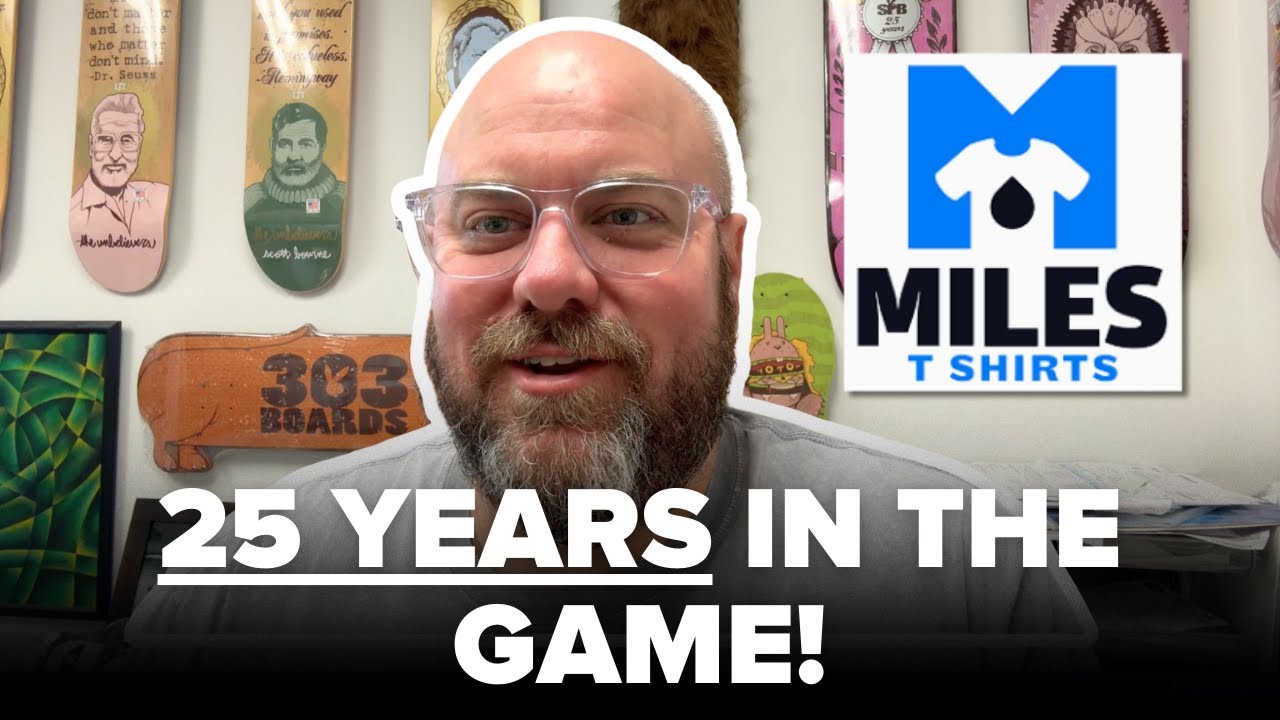
In this Print Hustlers interview, Miles Parkhill, owner of Miles T-Shirts, shares what changed his shop most over 26 years. He talks about moving from a paper-heavy operation to a trackable workflow software, building repeatability with the right investments, and tightening pricing to improve profits.
Printavo is the end-to-end shop management software built for growing apparel decorators, including screen printing, embroidery, DTG, and DTF shops.
The key takeaway from Miles: workflow doesn’t scale on its own. When your team can see what’s next, your production investments remove real bottlenecks, and your pricing reflects the actual time cost of the job.
This article expands on insights originally shared by Miles in the Print Hustlers Podcast interview.
1) Workflow starts when the shop can run without the owner
Miles explains that early on, if he wasn’t on-site at the shop, employees couldn’t take payments or move jobs forward.
That’s what print shop workflow software helps solve. Instead of having one person at the business know everything, it makes it easier for all departments to communicate and push customer orders through faster, with the utmost accuracy.
What to systemize first:
- A single job record (customer, items, art status, due date, notes)
- A visible job status (awaiting approval → scheduled → in production → QC → ready)
- A clear next owner (who owns the work now and who’s next)
Miles notes one move that helped him double orders was getting Printavo in place because he didn’t previously have a way to track anything.
2) Buy repeatability instead of more production
A shop workflow unravels when jobs aren’t repeatable. Miles points to two investments that changed his operation after years of running thousands of orders manually: moving to an automatic press and going direct-to-screen to reduce misprints.
The universal takeaway for any shop:
- Identify your bottleneck first (e.g., press time, screens, approvals, rework)
- Invest in a solution that removes it
- Establish a new process in the workflow
Even a fundamental component, such as film storage, becomes a bottleneck when reorders are frequent. Miles calls out how long it could take to find old film versus simply reprinting an order.
3) Your pricing has to match the workflow
Miles describes a common margin leak: placements like sleeves and challenging garments, such as hoodies, reduce order speed. Treating them the same as a standard T-shirt print undervalues the job and costs you money. Miles shares that they finally updated the price list, so sleeve prints cost more for customers.
How to fit this approach into your workflow:
- Create standard upcharges for slower jobs like sleeve prints, hoodies, or other specialty placements
- Make it a non-negotiable to remove emotional pricing and haggling
- Review pricing annually as costs and staffing change
4) Use side projects as growth drivers
Miles talks about how disc golf went from a hobby to a business venture.
He explains how disc golf orders connect him with coaches and schools (track teams, cross-country, community centers), which in turn lead to customers nationwide.
Shop-owner takeaway:
- Pick a niche with reliable reorders
- Become the go-to printing source for that community
- Use that trust to expand into similar categories
5) Staff your front office properly
Miles points out a very real constraint: when the front office is short-staffed or interrupted, everyone in your shop feels the pressure. Having someone full-time at the front end of the business helps avoid a waterfall effect on other departments, where surprise orders suddenly land in the production team’s queue without any consistent communication.
The conversation also covers a practical way to reduce owner overload: start outsourcing with administrative, repetitive, non-customer-facing tasks before handing off more detailed work.
In workflow terms, this is about keeping:
- approvals moving
- customer updates consistent
- purchasing and scheduling proactive
Real-World Workflow Application
Here’s a basic version of what Miles’ style of workflow looks like:
- Quoting
Standardize upcharges on odd locations or difficult garments, so pricing matches production time. - Approvals
Store proofs with the job record so production isn’t relying on email threads. - Job tracking
Run every order through a visible status pipeline: quote sent → approved → scheduled → in production → QC → ready. - Production scheduling
Schedule around the constraints (press time, prepress capacity, reclaim, shipping cutoffs) and cap orders waiting on press to avoid backup. - Work orders
Ensure work orders include placements, garment counts/sizes, special handling (hoodies/sleeves), and packaging notes. - Team handoffs
Make the next owner obvious on every job (sales → art → production → QC → delivery). - Invoice follow-up
Use consistent triggers (deposit/approval/completion) so cash flow isn’t accidental. - Reporting and profitability
Review weekly or monthly to catch margin drift early.
Where Printavo fits in this workflow
Printavo helps shops centralize the operational pieces that make print shop workflow software actually pay off. Key tasks like job tracking, approvals, scheduling visibility, and consistent handoffs all work so the shop can run smoothly even when the owner isn’t on-site.
Put it all together
Want a better way to manage production, scheduling, and quoting? Sign Up for a Free Printavo Demo.

0 Comments